 OVER
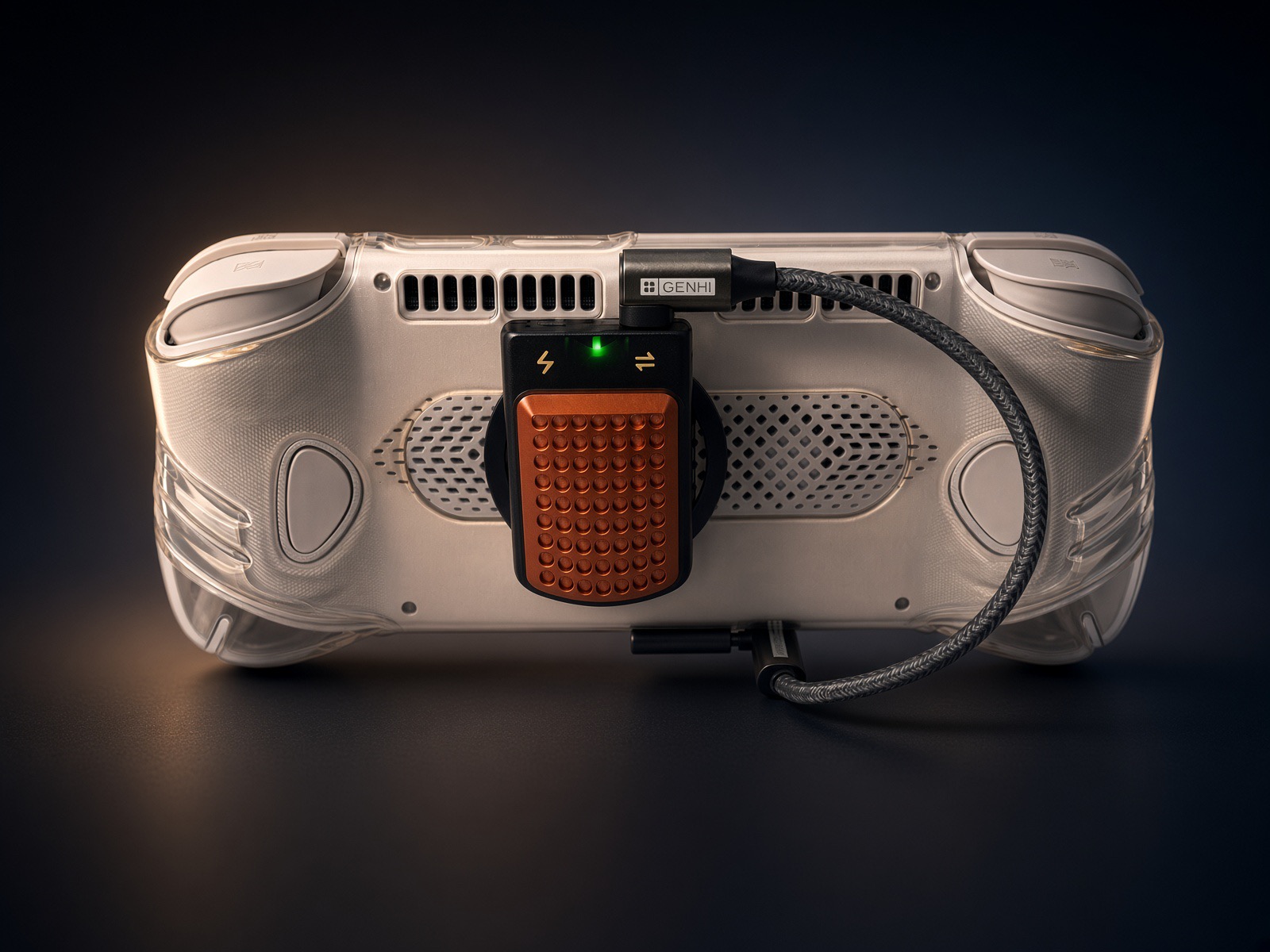
Community build: Christopher's AYN Odin 3 Pro with a 1TB MagSafe SSD for PC games

Why the Pro
He went with the Pro instead of the Max because the Max had a wait of about two months. The external drive came later. It only became part of the plan once PC emulation turned out to be good enough to play on.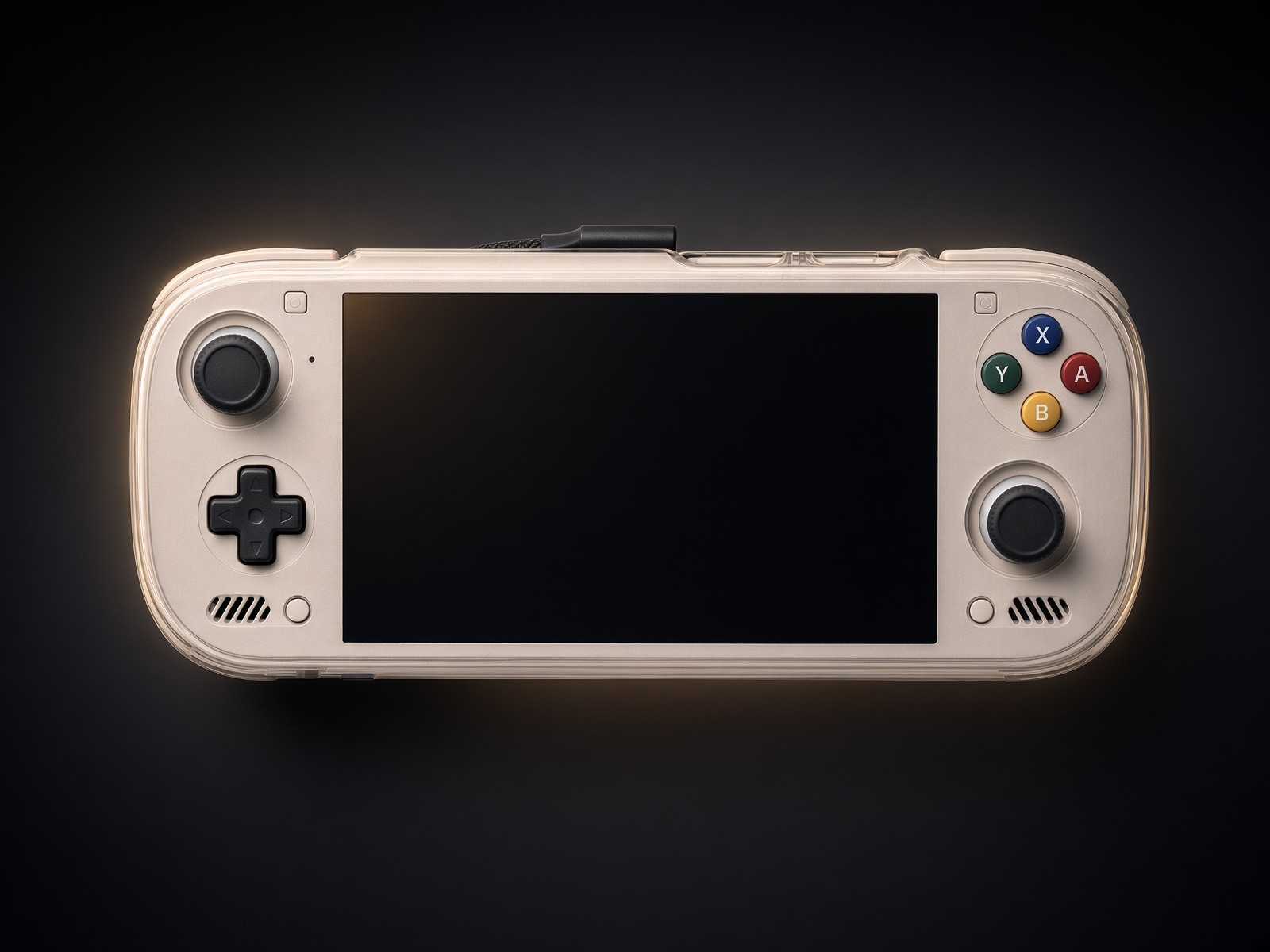
The storage split
- 1TB AIXSTOR M.2 2230 NVMe SSD in the Genki Savepoint: holds the PC games. Over USB-C it reads at about 400-700 MB/s, close to internal storage speeds.
- 512GB SD card in the slot: holds Xbox 360 and Switch games only.
Daily use
Christopher runs Droid Deck / SteamOS full-time. Before the SSD he had two PC games installed. Now he has 10-15, and expects to get to around 20. The Genki Savepoint supports 100W passthrough charging: plug your charger into the enclosure and the power passes through to the Odin, so you can charge and play with the SSD connected. The enclosure isn't a battery bank, so it can't charge the device on its own. The MagSafe ring sits in the middle of the back, slightly off center.
Cable warning
The cable matters. Use the cable that comes with the Genki Savepoint, or a short one, but only if it still reaches 400-700 MB/s. A 3-inch cable Christopher tried dropped to about 30 MB/s. He keeps a spare of the enclosure's cable in the same accessory bag.
Parts list
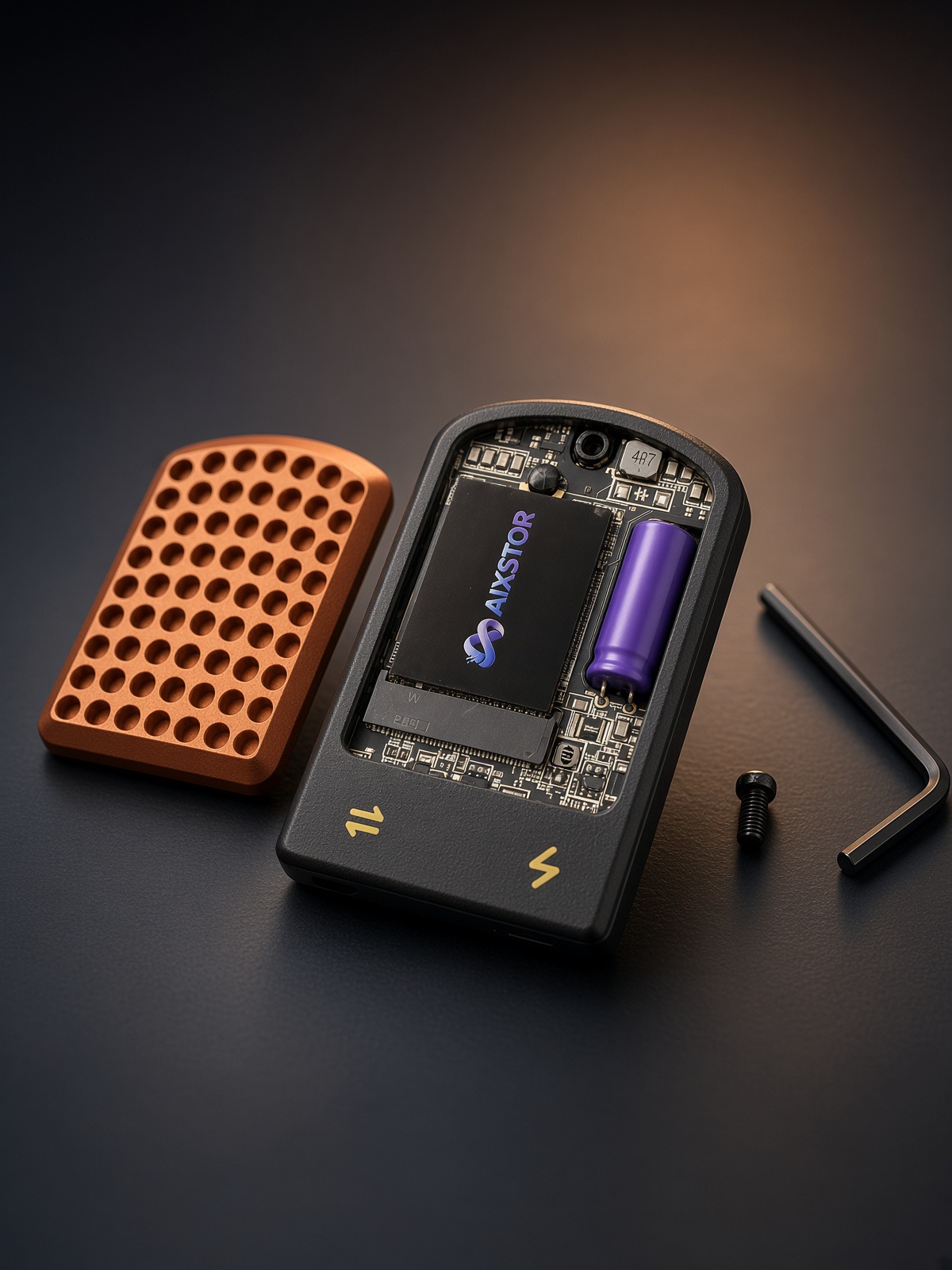
- Genki Savepoint MagSafe SSD enclosure (100W passthrough charging)
- AIXSTOR 1TB M.2 2230 NVMe Gen 3.0 SSD
- Walieoka protective case (TPU grip)
- Ruxely 90-degree USB-C adapter
As an Amazon Associate, Overclocked earns from qualifying purchases. Buying through these links costs you nothing extra.
Share your build
Have a handheld setup you're proud of? Send it to us and it could be our next community build.
Related on Overclocked
- Best Android Handhelds 2026: Which One Should You Buy?
- Xendroid+ setup guide: Xbox 360 emulation on Android handhelds
- AYN Odin 3: specs, GPU driver advice and tested settings