 OVER
Odin 3 Pro Fan Noise Fix: How I Underclock with ClusterTune for a Quieter Handheld (+ My Launcher Setup)

My Odin 3 Pro's fan was loud. Underclocking fixed it: less heat means the fan spins slower and quieter. In this guide I cover how I use ClusterTune, my per-app profiles, and the launcher I run every day.
Part 1: My launcher, Cocoon 3.11
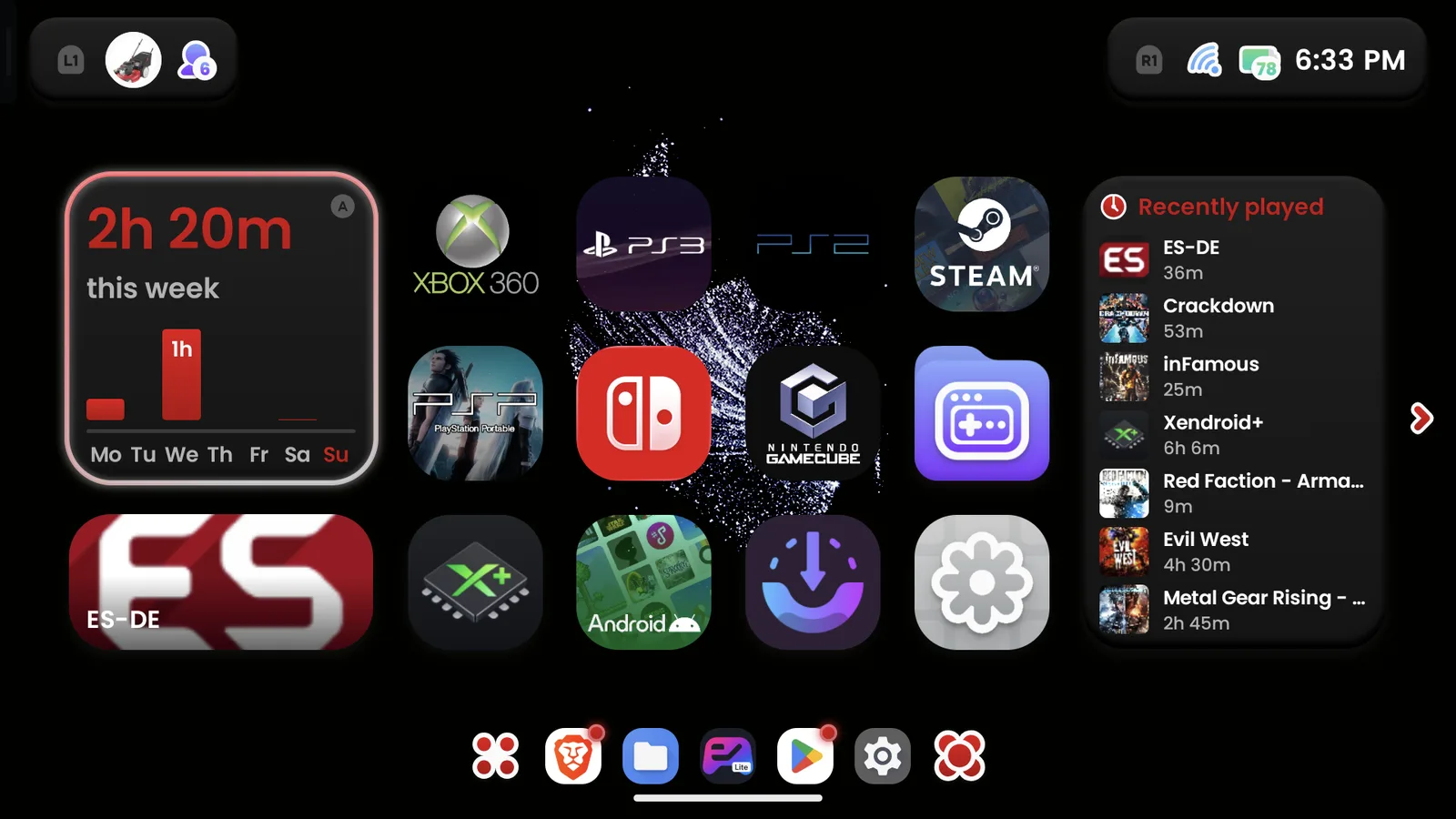
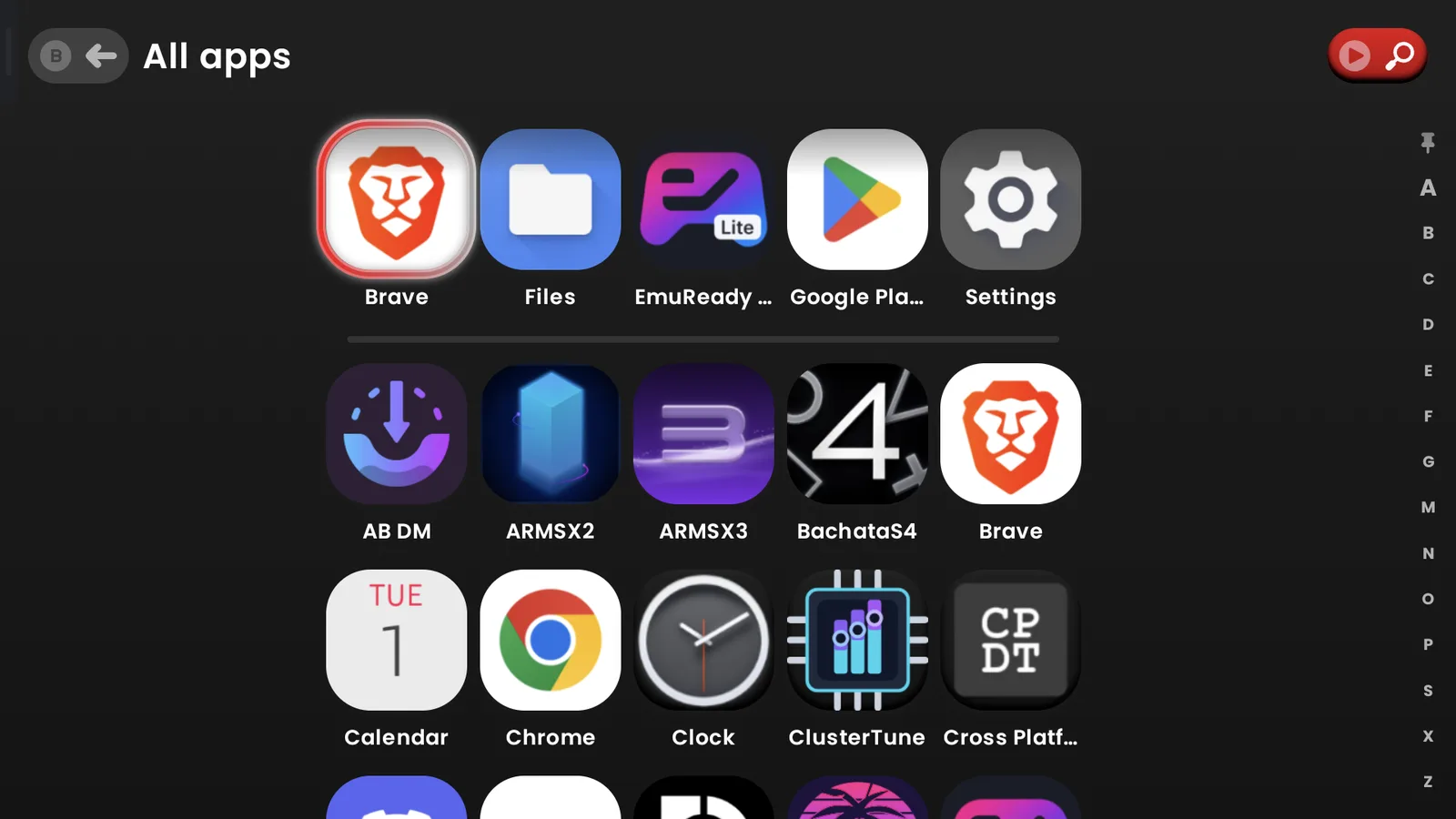
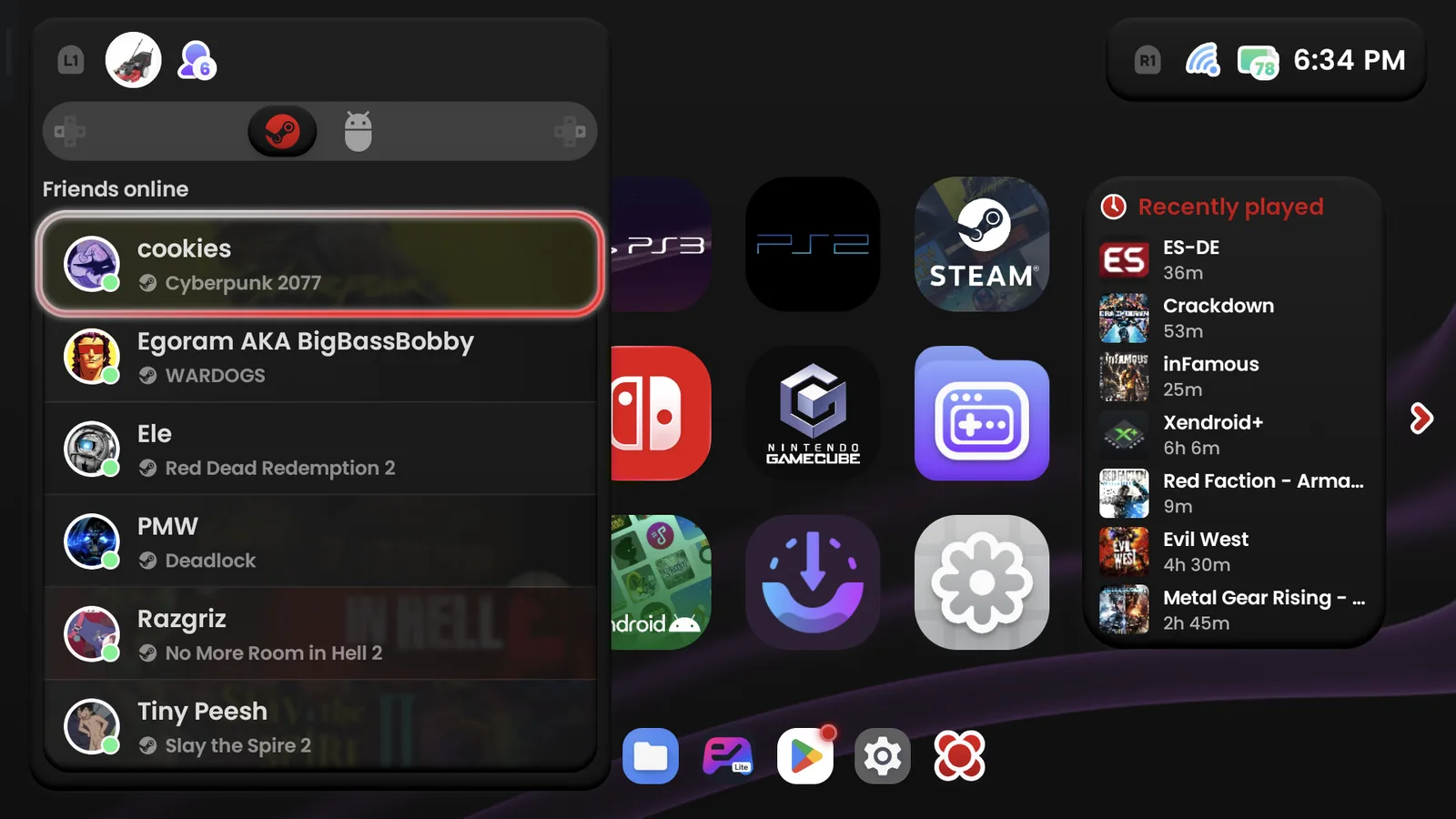
I use Cocoon 3.11. It gives me a console feel but still keeps full Android access, with an app drawer and folders. With ES-DE I found myself hunting through subfolders. Cocoon doesn't make me do that.
My setup
- A bottom dock with my five favorite apps plus the app drawer.
- A data folder labeled "Cocoon" on my SD card holds images, icons and scraped artwork.
- My games live on my SD card and my SSD enclosure, with extra folders for each system, including PC titles.
Screenshots
What I like
- It's simple, and I don't have to keep tweaking it.
- The settings let you change colors, add outlines, and pick circle or square icons.
What I wish were better
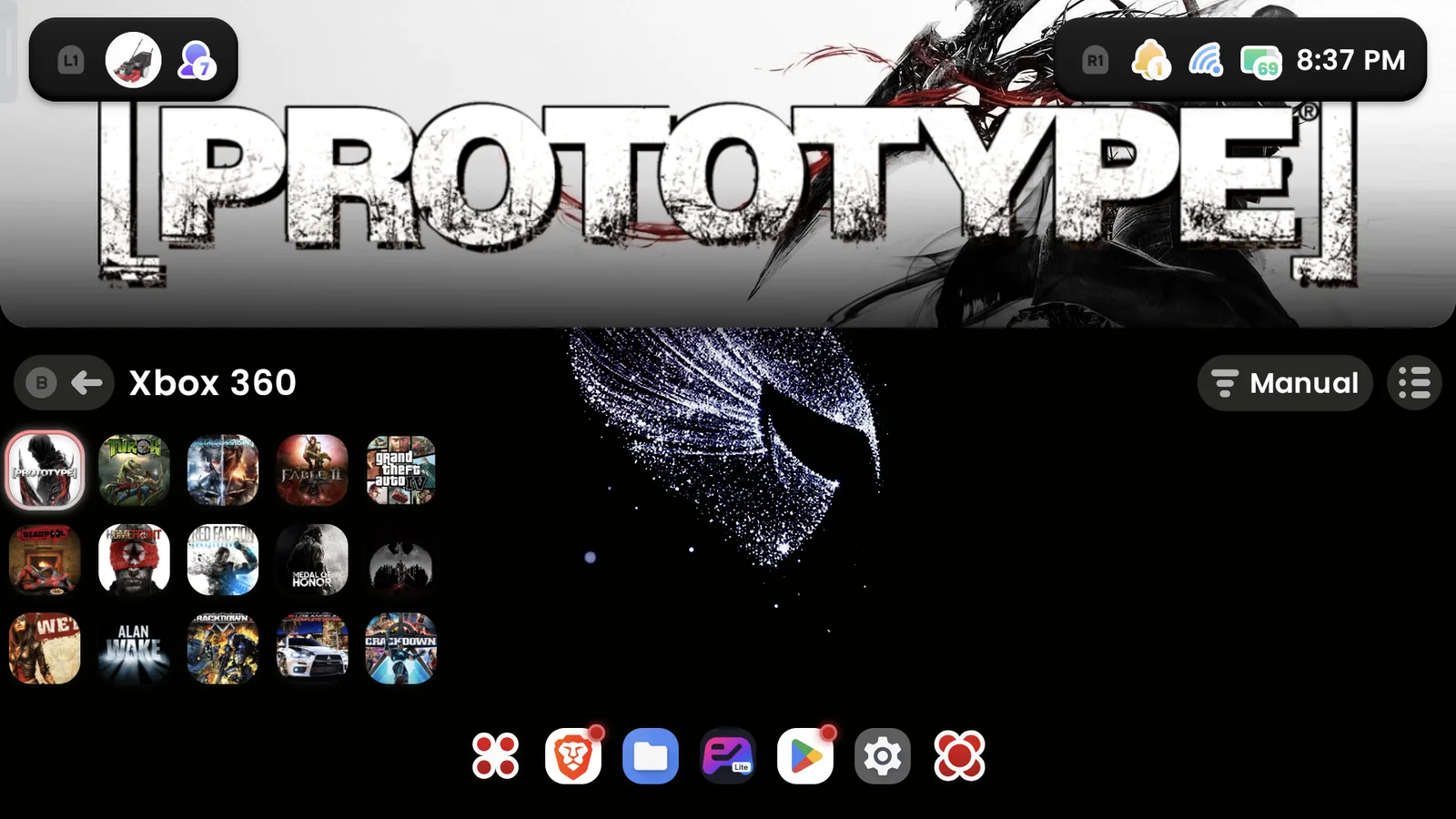
- I'd like more single-screen themes. Cocoon is built mostly around the dual-screen Thor.
- The split-top theme wastes screen space on a single screen.
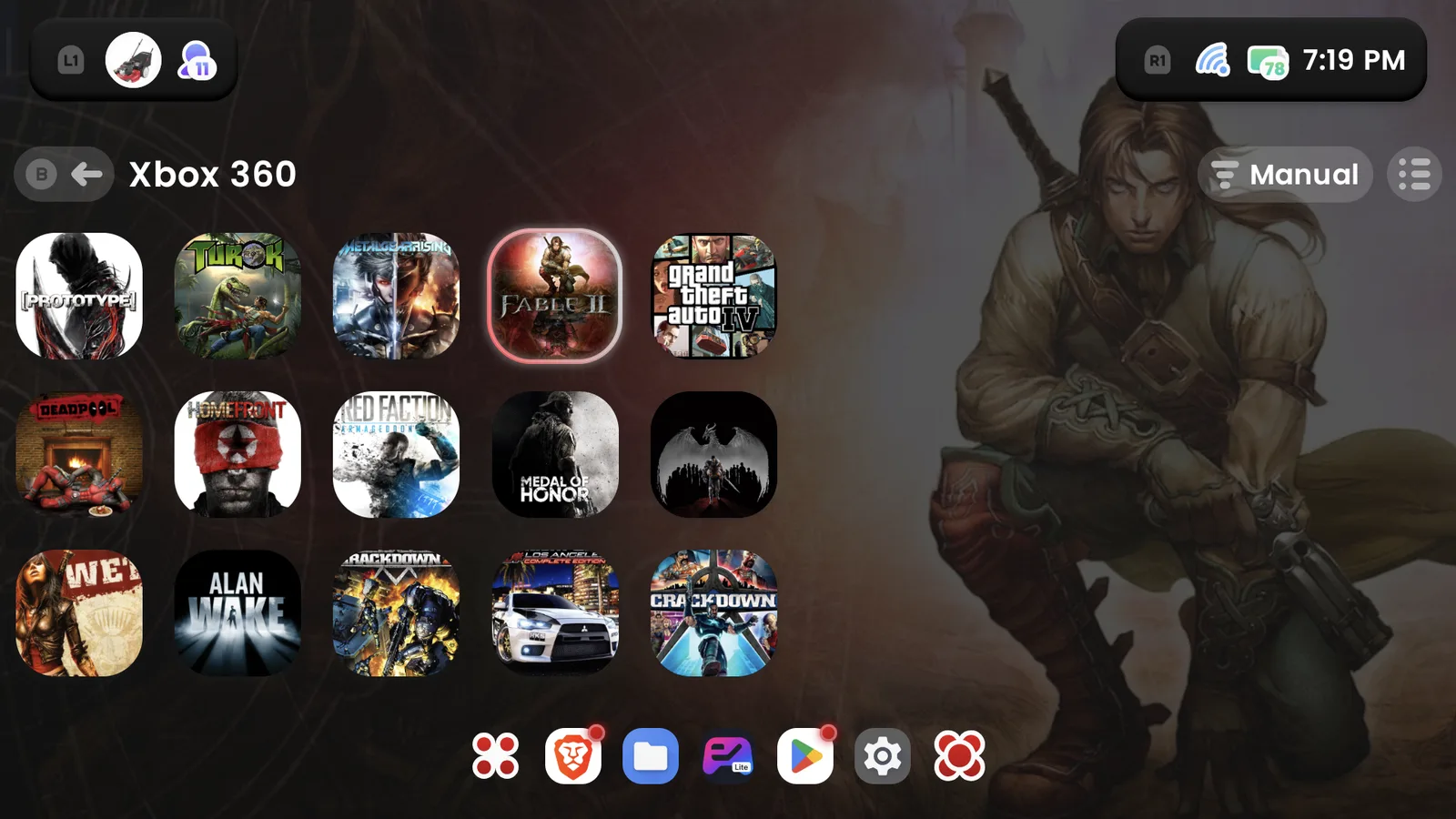
Split-top theme on the Xbox 360 tab 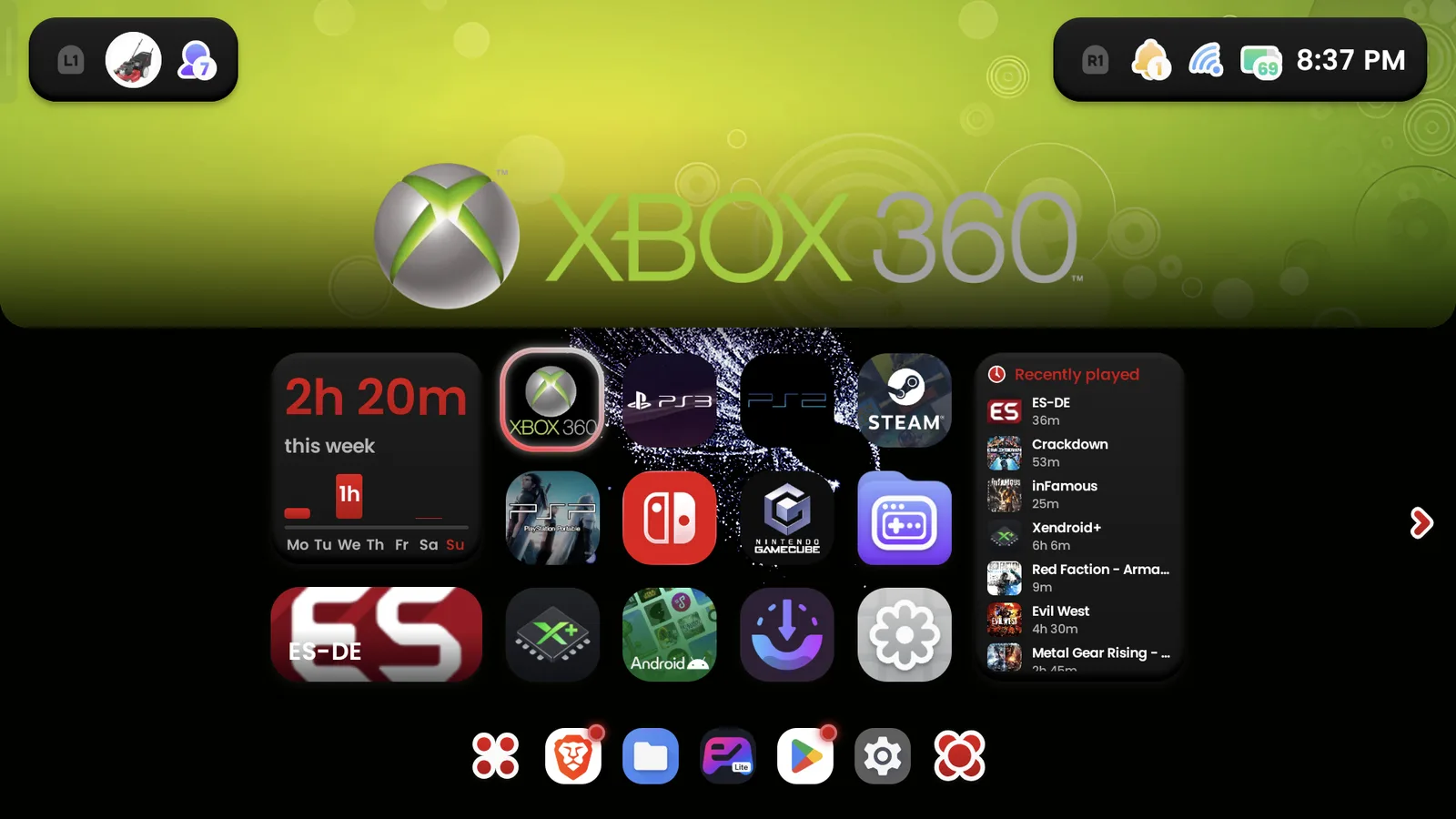
Split-top theme on the home tab
Instead of the split-screen image, I go into the Hero settings and turn on Hero wallpaper. You can see what the Hero background looks like in the Xbox 360 tab screenshot above (image 3).
It's a good pick for beginners and for people who like to tinker. For more on launchers, see our ES-DE and Daijisho frontends guide.
Part 2: Underclocking with ClusterTune
ClusterTune lowers the top CPU speed. That keeps the handheld cooler and quieter and makes the battery last longer. For the basics, see our ClusterTune guide.
My everyday setting: I use the Large profile (1.79/1.96 GHz) all the time, including during sleep.
Per-app profiles: I switch to Medium only for demanding DroidDeck games like Cyberpunk 2077 and Red Dead Redemption 2.
Large holds 30 FPS in these games:
- The Witcher 3
- Shadow of the Tomb Raider
- Fallout 4
- Call of Duty: Black Ops
- High on Life
Full-speed apps: I don't have any. The Snapdragon 8 Elite is strong enough at Large.
How I set it up
- No root needed.
- Notifications are turned on.
- A slide-out overlay at the top left shows my clock speeds.
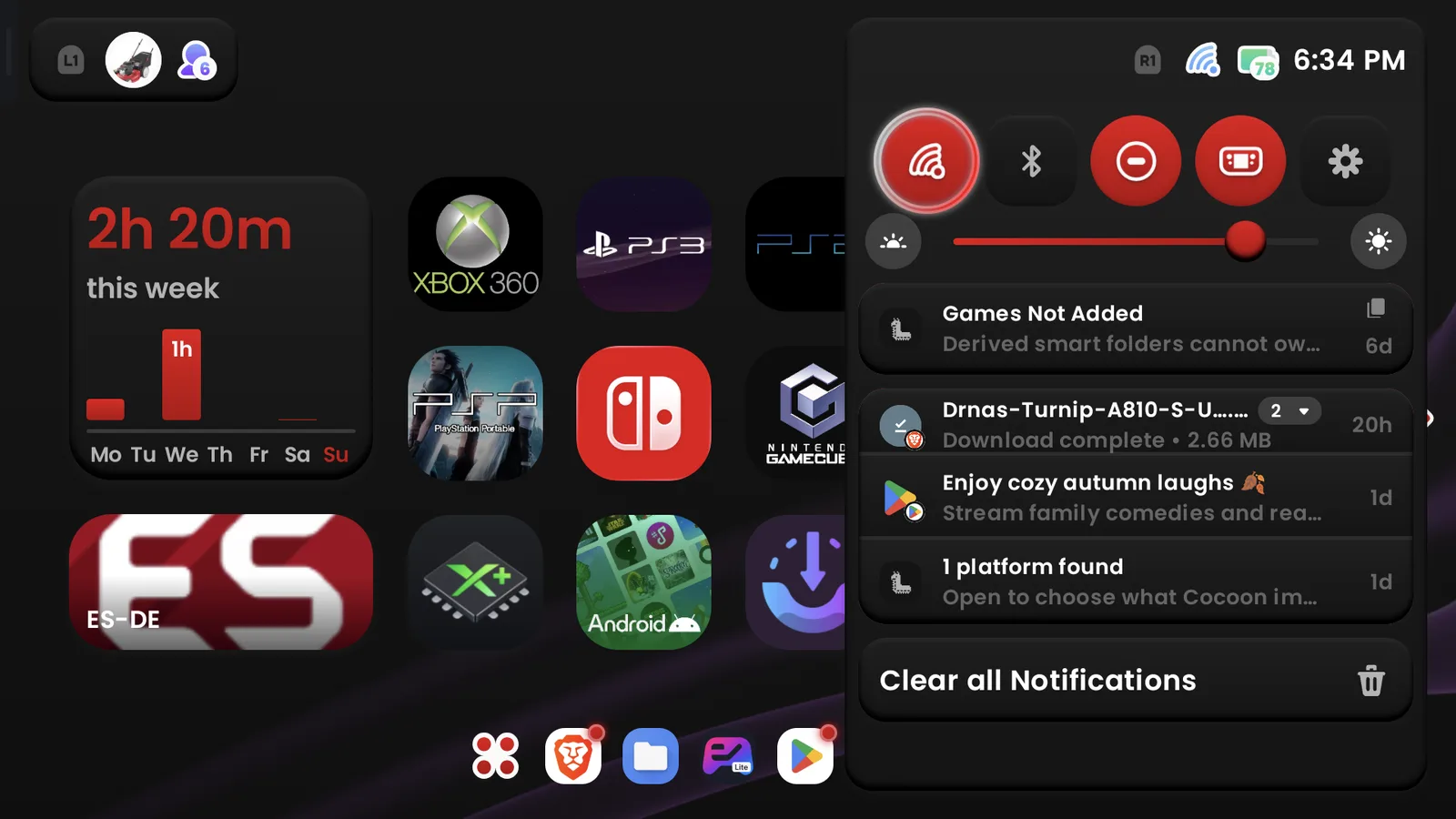
- A quick settings tile lets me switch profiles fast.
How I check it: I go by temperature instead of CPU-Z. On stock, my Odin 3 Pro hits 90°C.
My results: stock vs. Large
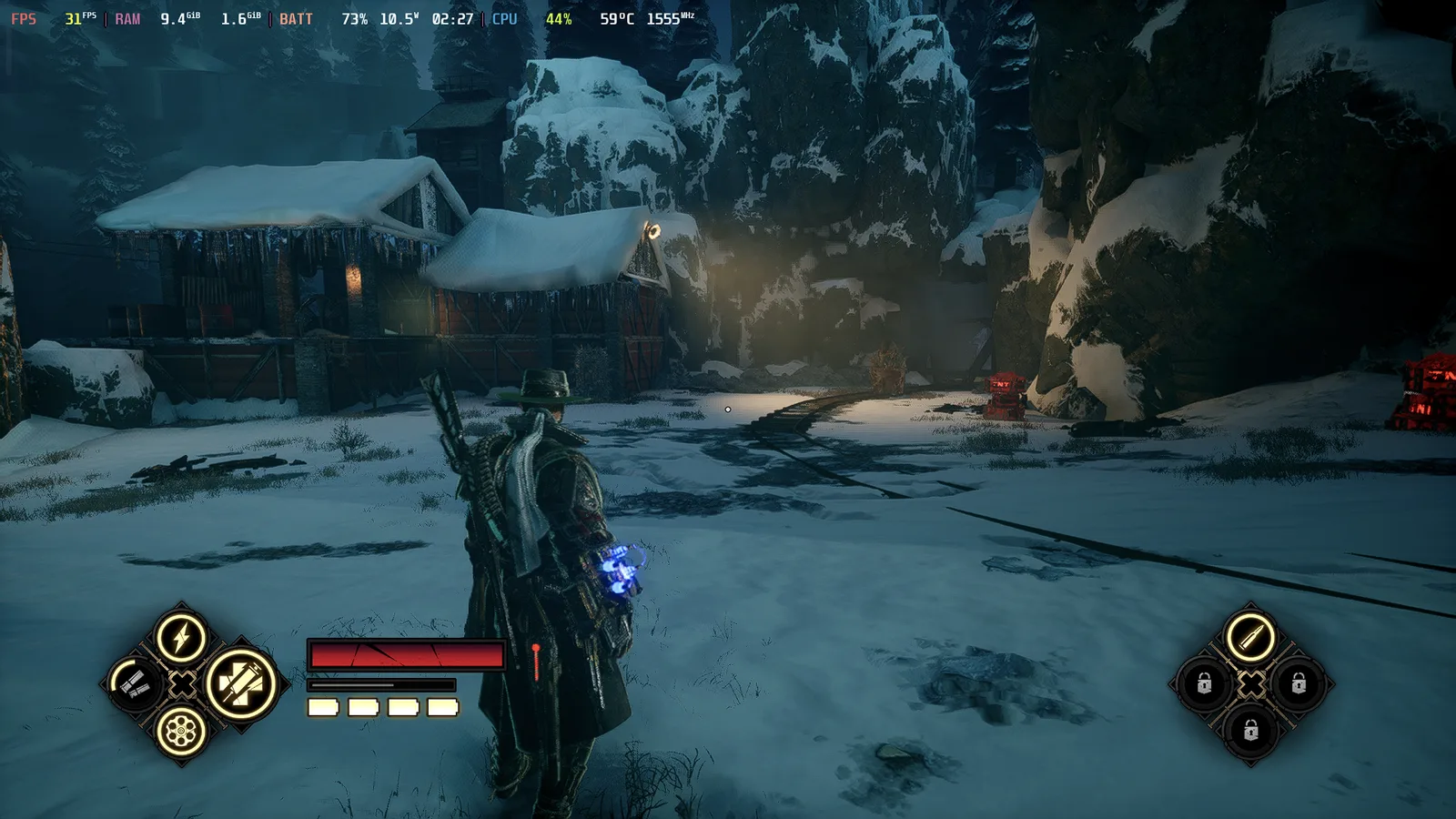
I tested three games with the stock auto fan setting and then with the Large underclock. All three held 30 FPS both ways, with no change in performance.
| Game | Stock | Large underclock |
|---|---|---|
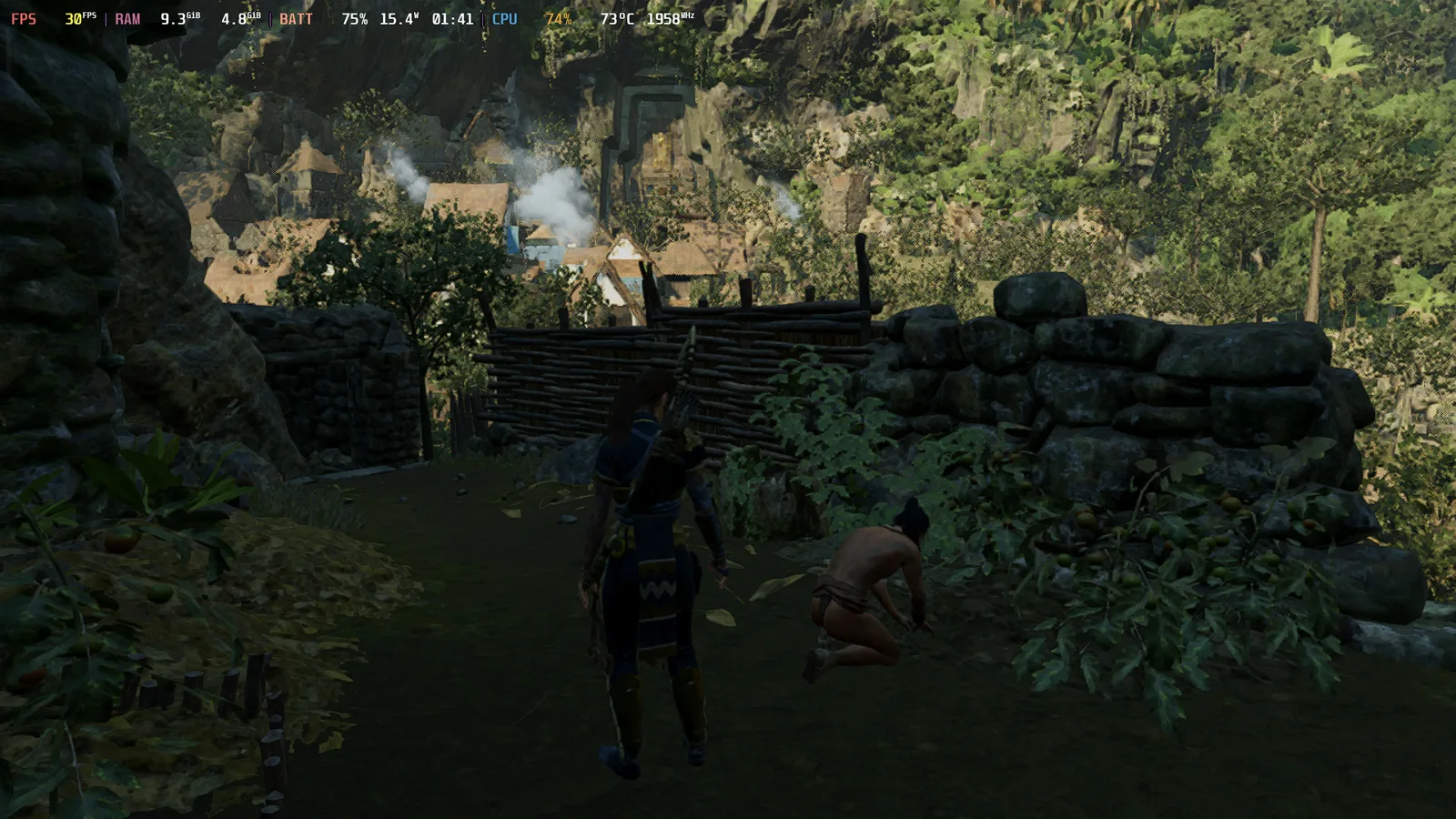
| Shadow of the Tomb Raider | 93°C, 80 dB | 73°C, 71 dB |
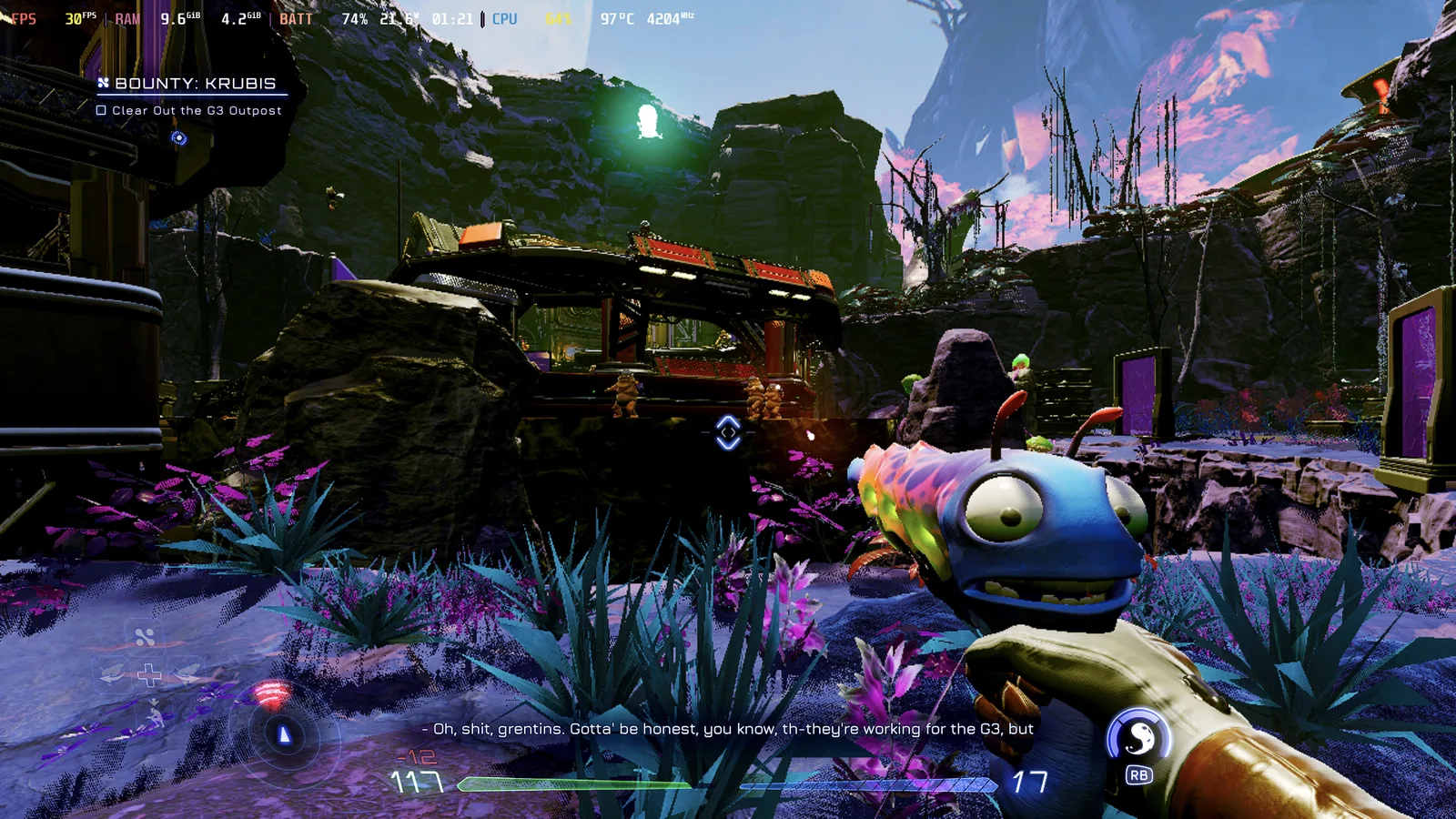
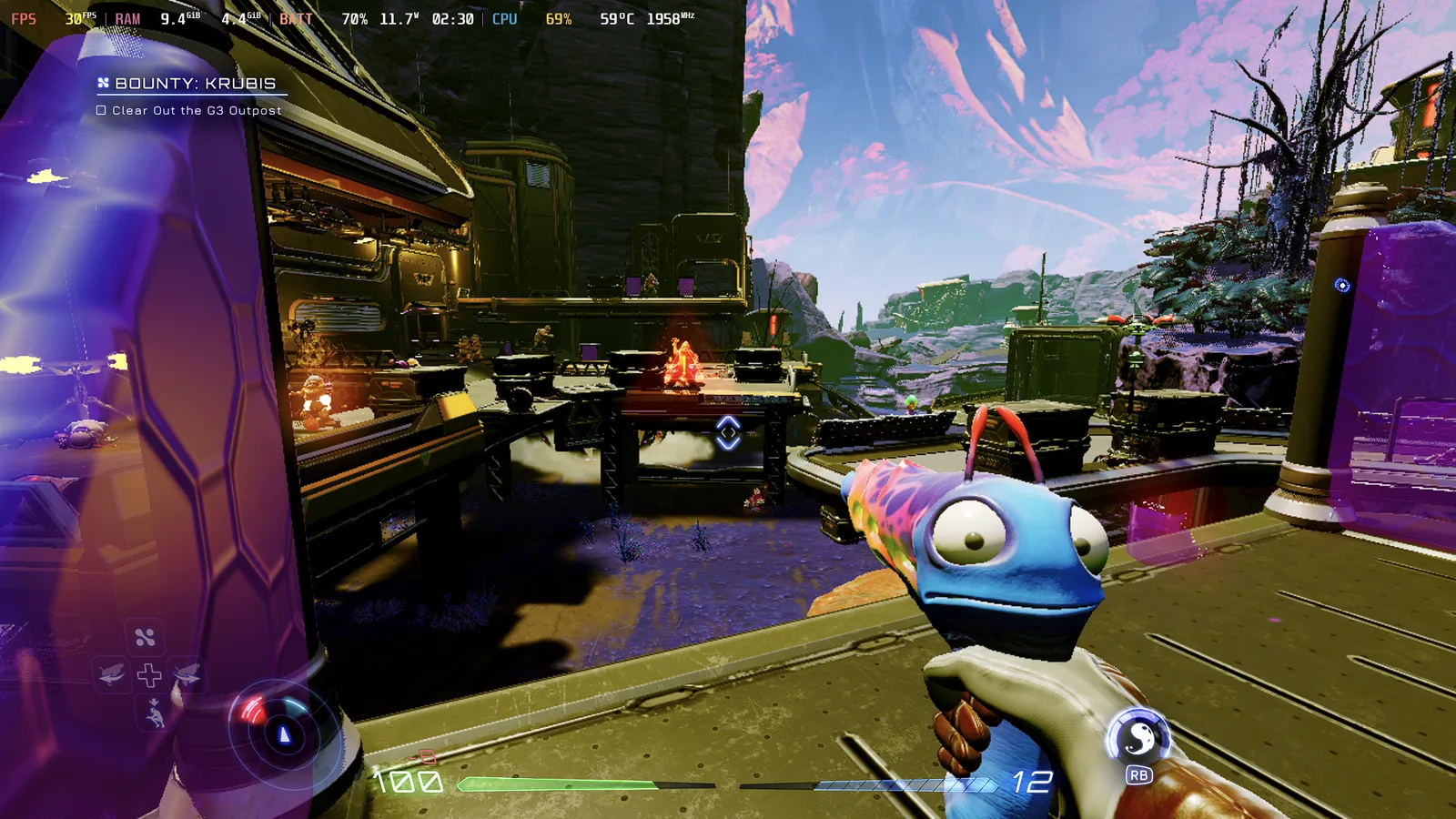
| High on Life | 97°C, 89 dB | 59°C, 66 dB |
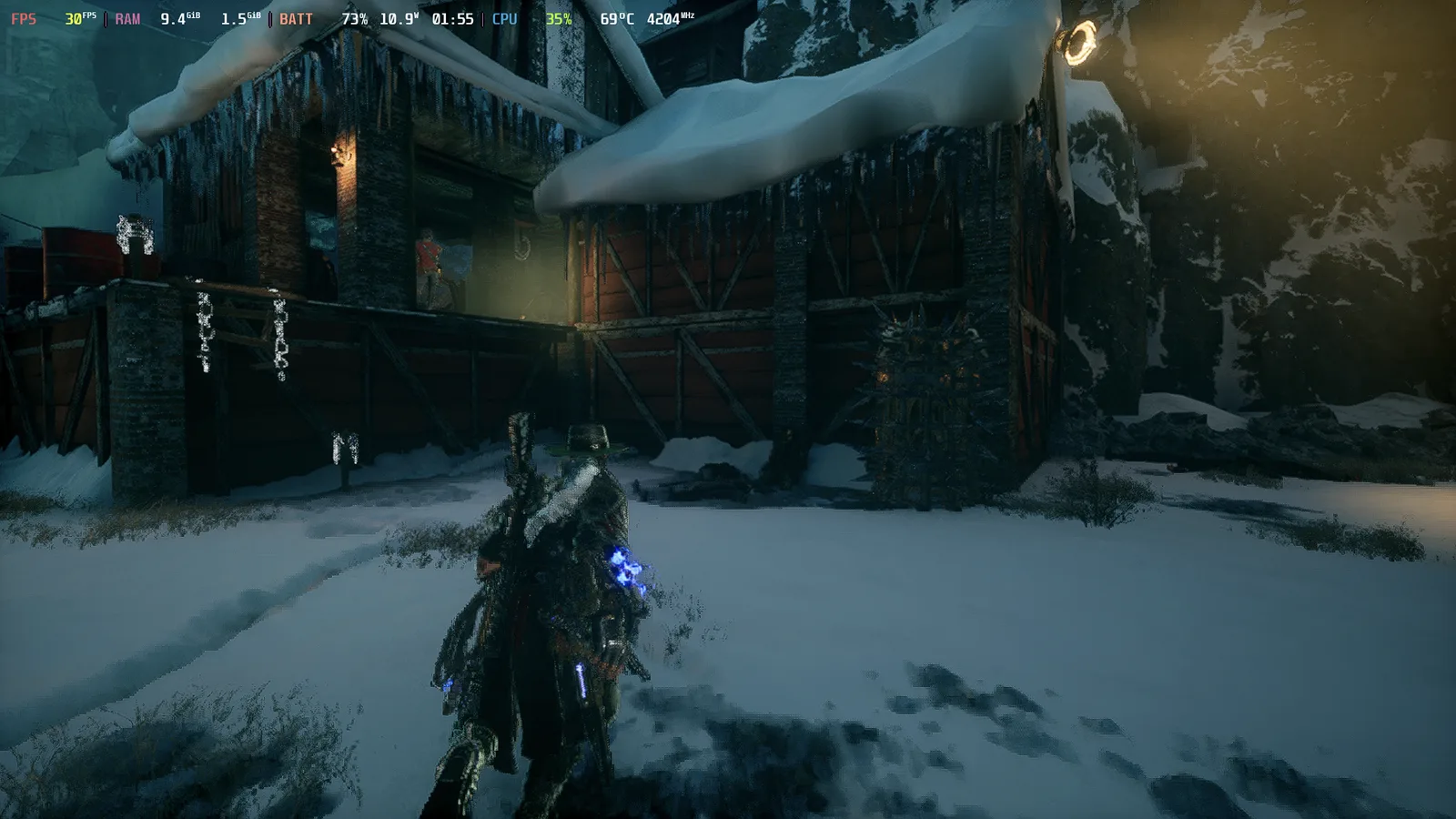
| Evil West | 69°C, 75 dB | 59°C, 60 dB |
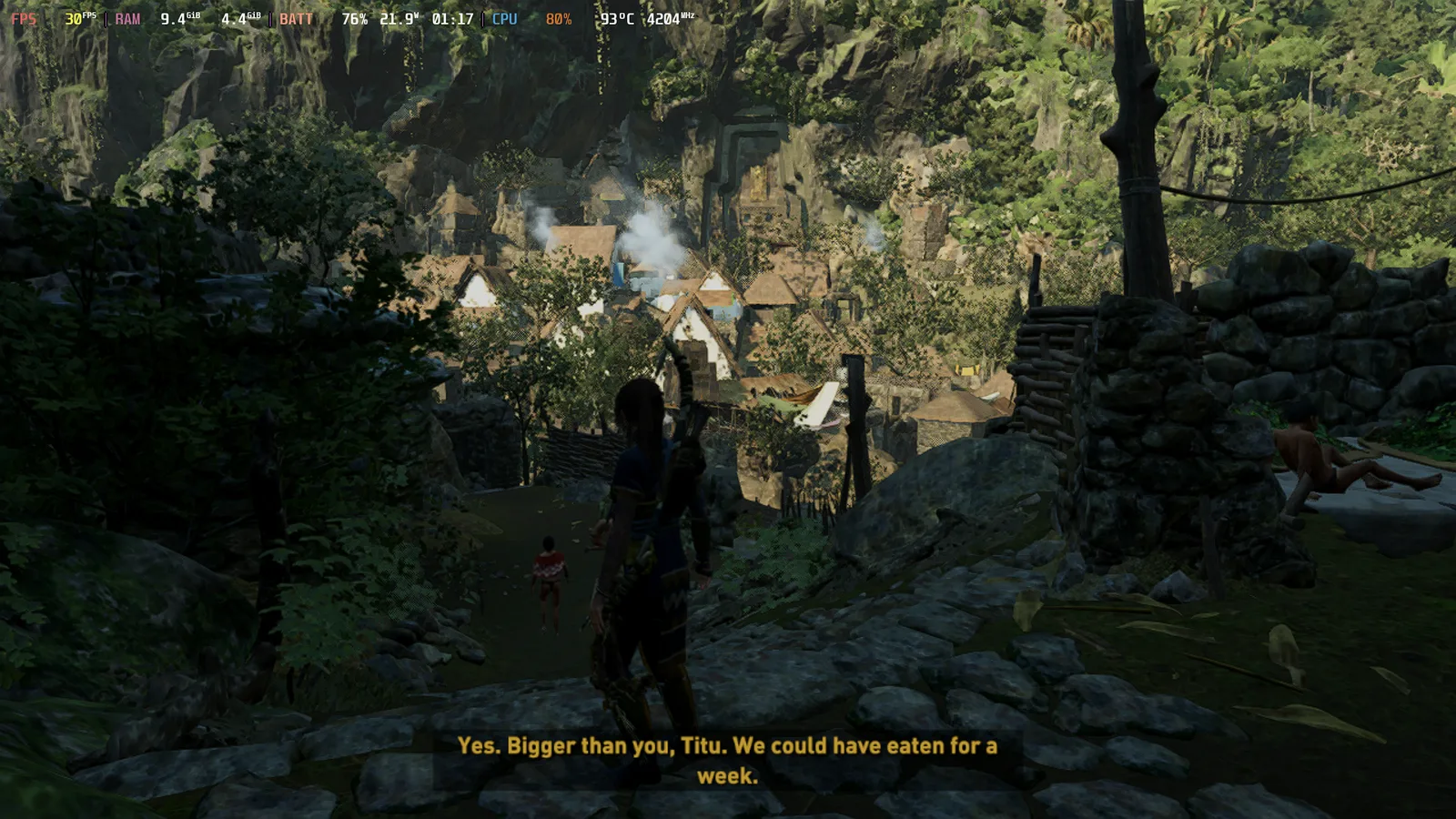
Battery: I didn't run a full battery drain test for each game, so I used the Steam HUD's battery readout instead. It shows three things side by side: the battery percentage, the power draw in watts, and, to the right of the watts, the estimated time left at that rate. In every game, stock left less time on the clock than the Large underclock.
| Game | Stock | Large underclock |
|---|---|---|
| Shadow of the Tomb Raider | 76%, 21.9 W, 1:17 left | 75%, 15.4 W, 1:41 left |
| High on Life | 74%, 21.6 W, 1:21 left | 70%, 11.7 W, 2:30 left |
| Evil West | 73%, 10.9 W, 1:55 left | 73%, 10.5 W, 2:27 left |
Shadow of the Tomb Raider
High on Life
Evil West
Tips
- Start small.
- Test for 15 to 20 minutes before you judge a setting.
- The Stock profile puts everything back to normal.
- If you own an Odin 3, you can probably just stay on Large.
Wrap-up
What's the hottest game on your Odin 3 Pro, and did Large hold up? For me it's High on Life.
Copy my Odin 3 build
See how my Odin 3 Pro is set up:
As an Amazon Associate, Overclocked earns from qualifying purchases.