 OVER
OVERXendroid+ Is Now My Daily Driver, and It's Only in Alpha
 By Christopher (Owner). Sunday Emulator Experience, week 1. Played on my AYN Odin 3 Pro (12 GB RAM).
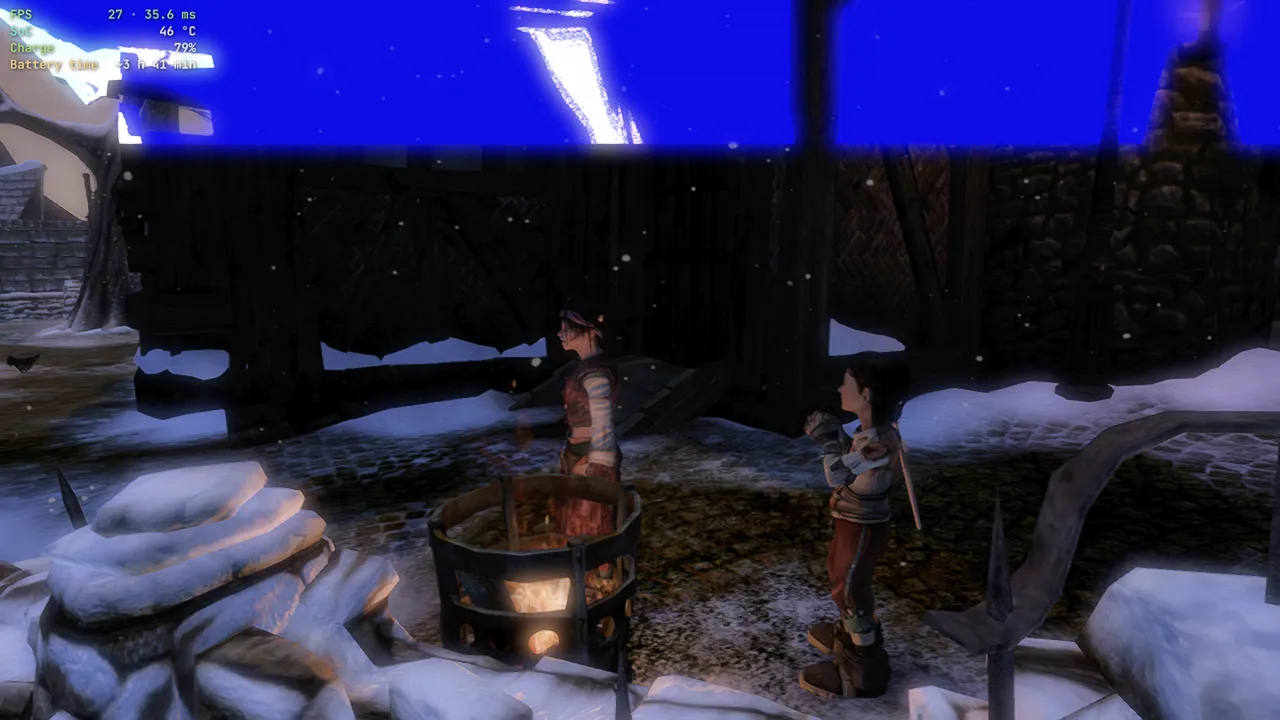
I've been putting a lot of hours into Xendroid+, and I'll say it plainly: games that wouldn't even hit 20 fps on the original XenDroid now run at a solid 30.
The big win: Crackdown and Crackdown 2
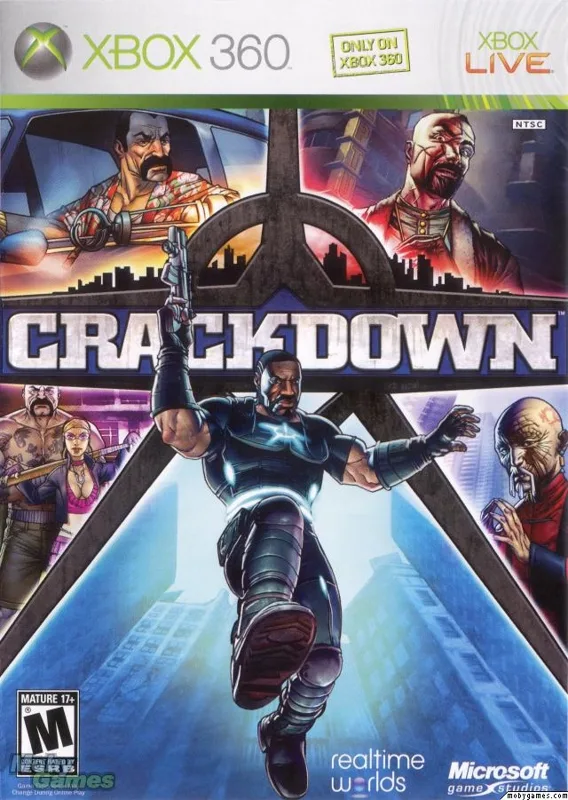
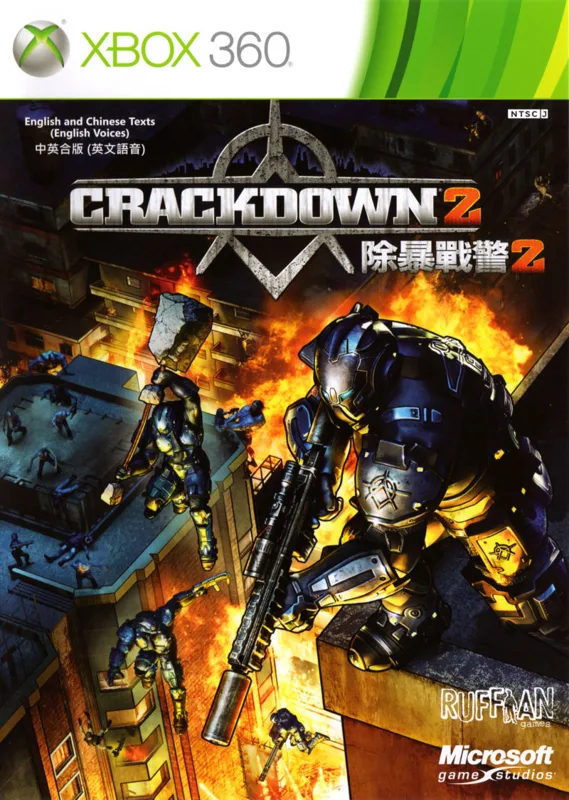
On the original XenDroid, Crackdown wouldn't even load, and Crackdown 2 loaded but crawled along at about 15 fps. On Xendroid+, with Lossless Scaling frame generation, both of them run at 60 fps with no hitches. That's the moment I knew this was something different.
My settings (and that's all I changed)
- Resolution: 1080p
- AMD FSR: maxed
- FXAA: Extreme
- Drivers: Turnip V38
- ClusterTune: large underclock
I didn't touch anything else. If you can install an app and pick a driver, you can do this, and you don't need to know anything about tweaking Android.
Heat and battery
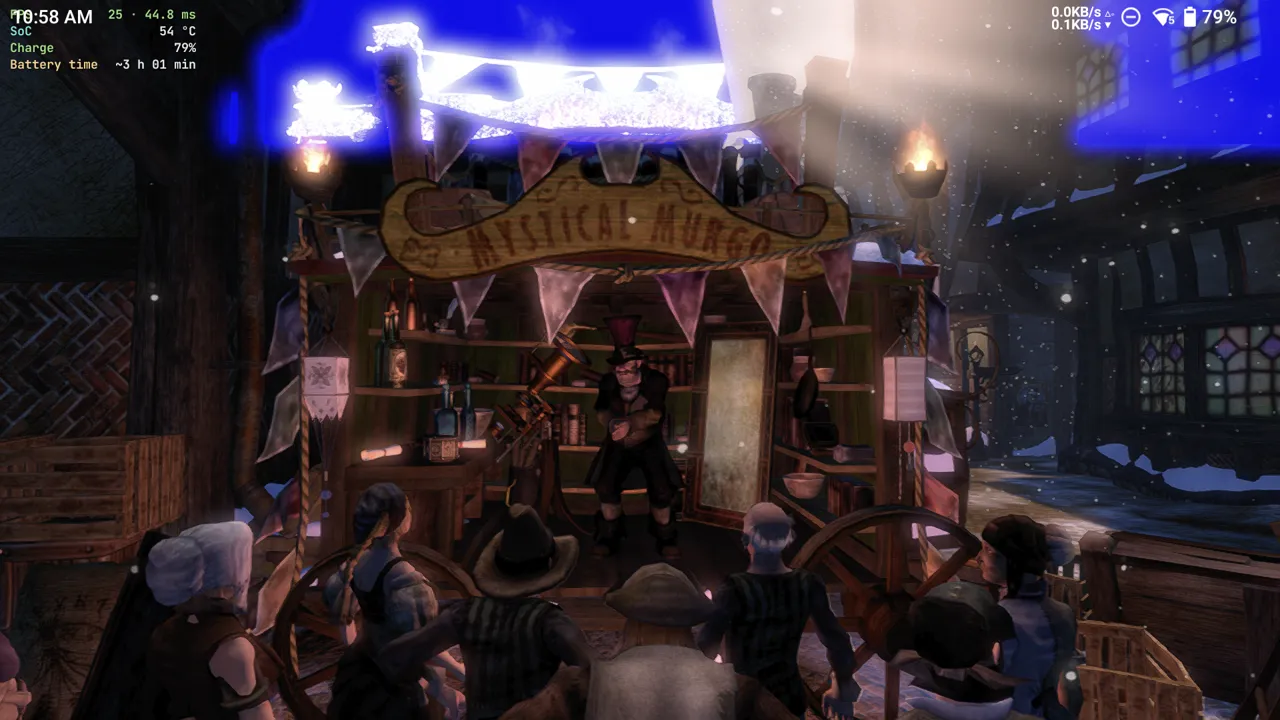
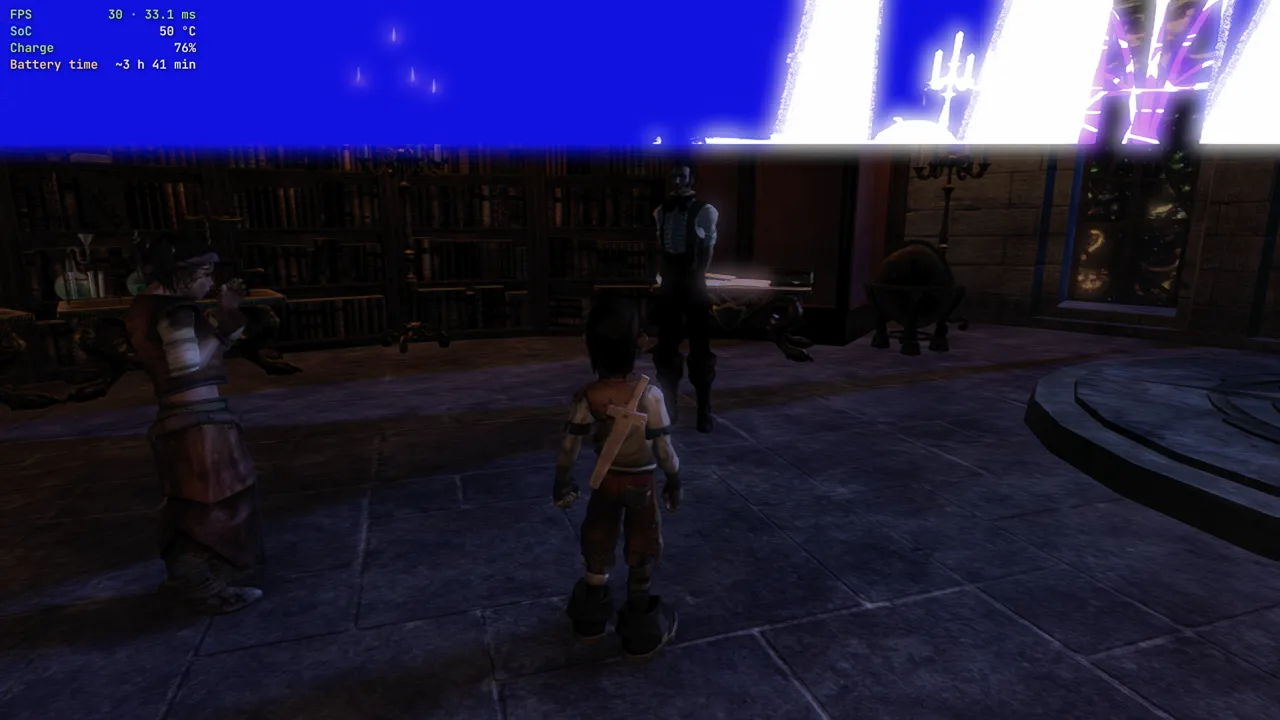
Temperatures stayed in the mid-50s °C for the whole session.

For battery, I used Xendroid+'s own in-game battery estimate. Starting at 80% charge, it showed 3+ hours for Fable II and about 3 to almost 4 hours for Midnight Club: Los Angeles. I stop charging at 80% to keep the battery healthy, so a full charge should give you more.
No trade-offs, just upgrades
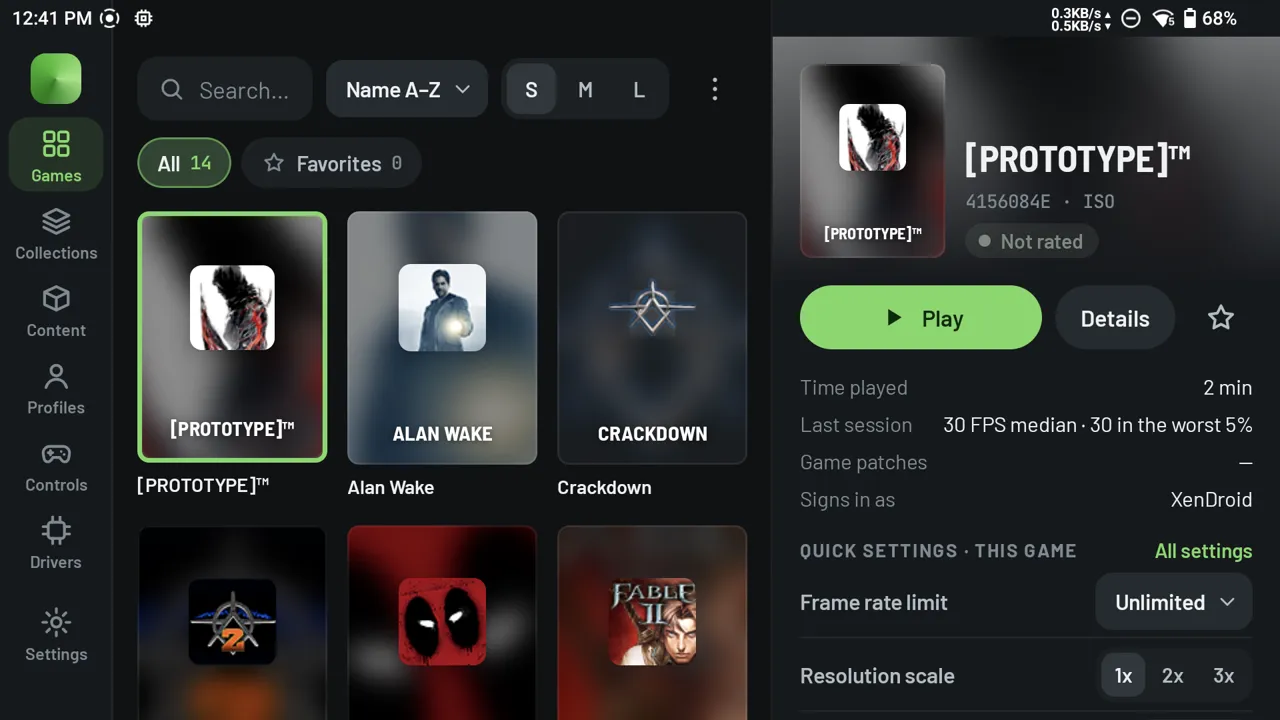
The original XenDroid felt like a rough draft of an Xbox 360 emulator. Xendroid+ feels finished:
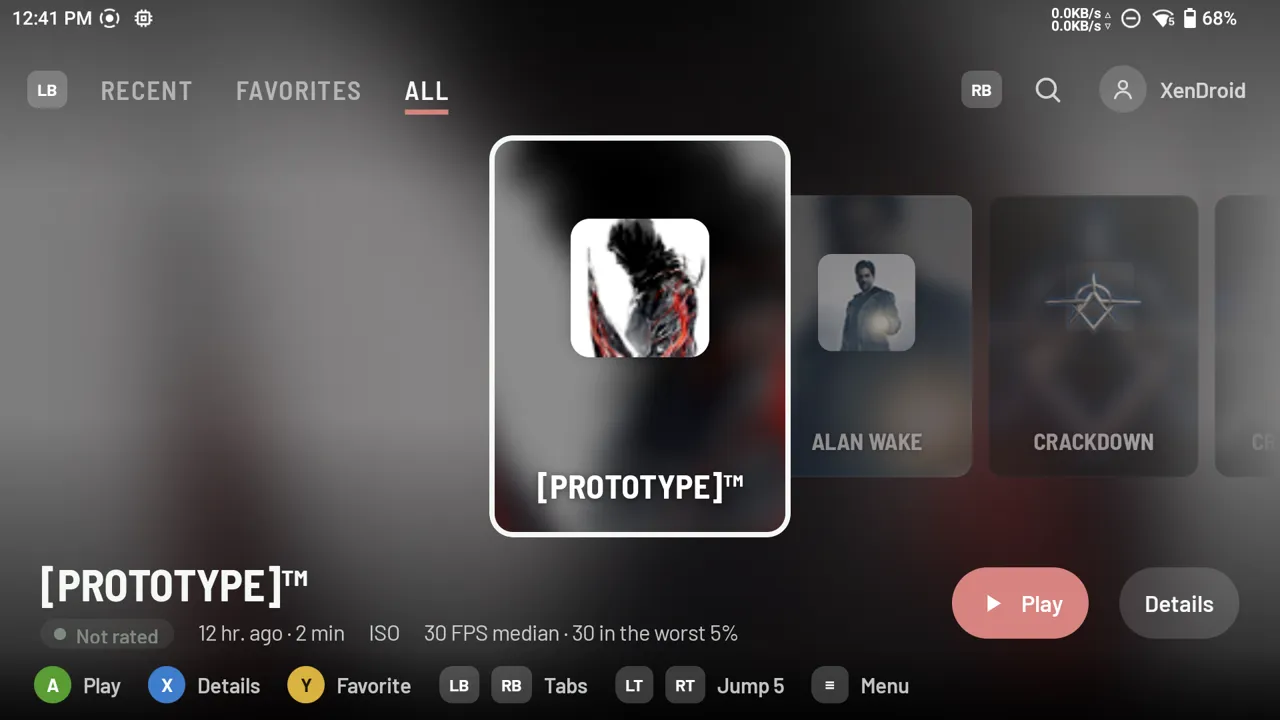
- A clean new main menu with game covers
- More settings, without the clutter
- More color and personality all around
Use touch mode, even with a controller
Here's a tip: go to the app's settings, then Interface, and pick touch mode instead of controller mode. It's more intuitive, the layout is a lot like Droid Deck's, and it still works fine with a controller.
Games people keep asking about

 Medal of Honor (the 2010 reboot): No go. It loads and I can press start, but it freezes right before the main menu, so I couldn't play at all. I tried both Turnip drivers for 8 Gen chips, mainline V32 and V38, and neither one fixed it. I run a big underclock in ClusterTune for every game I tested, so I also tried a small underclock and stock clocks for this one, and nothing changed. Hopefully the emulator matures a bit more, or it could be a driver issue. I'm not 100% sure which.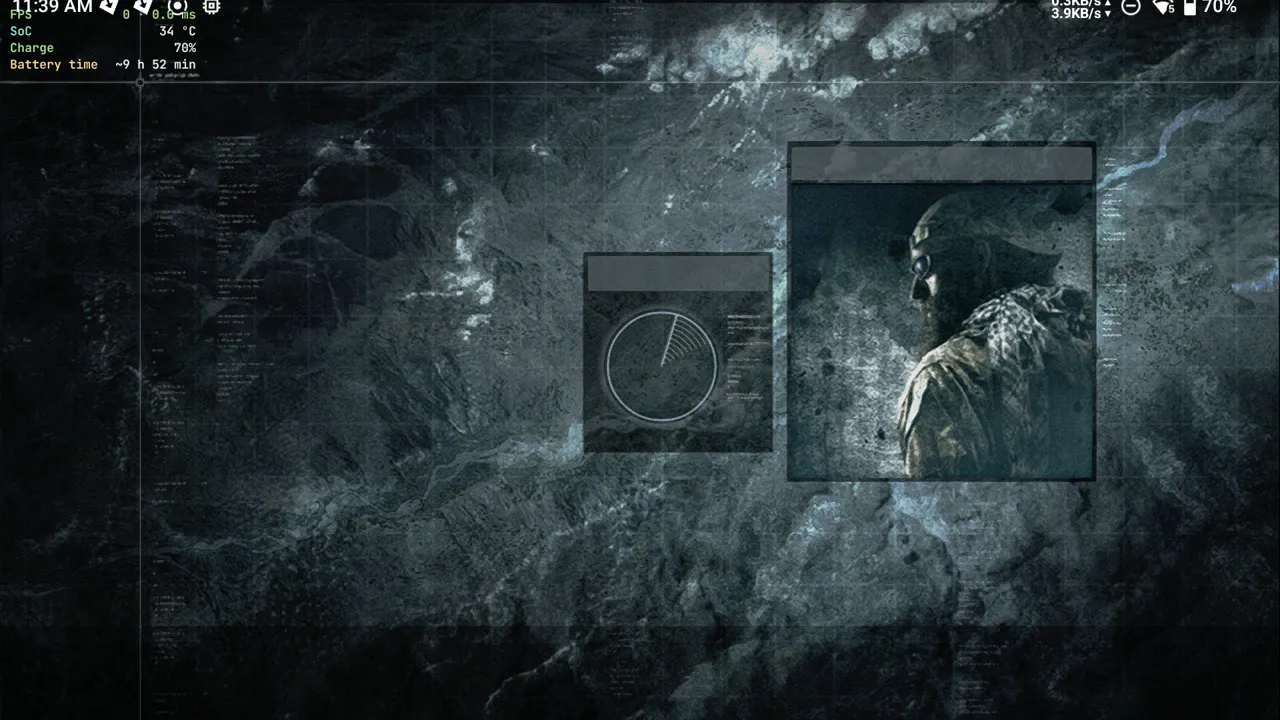
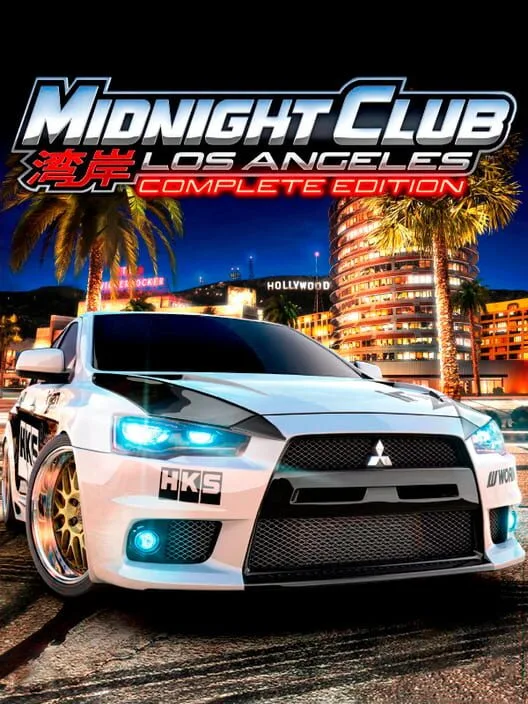 Midnight Club: Los Angeles: This one reportedly barely ran on the original XenDroid (I didn't test that myself). Now it averages 20-22 fps and sometimes reaches 30. Lossless Scaling frame generation pushes it to about 40 fps, but even though that technically works, it doesn't feel playable. There were no graphics bugs, and the chip stayed at 50 °C the whole time. Battery matched Fable II, with Xendroid+ estimating about 3 to almost 4 hours. I tested it on the same charge as my earlier games, and the battery was at 70% after I'd finished testing all of them.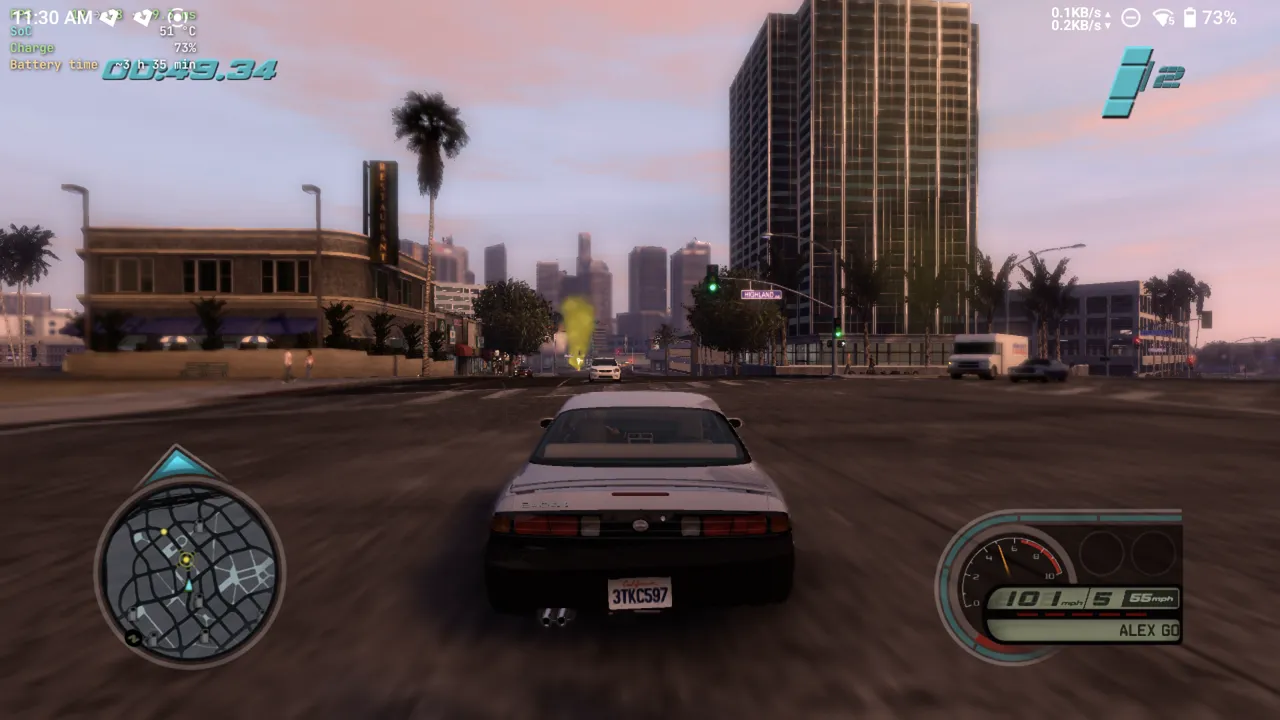
It even tries to help you
When I exited Midnight Club, Xendroid+ popped up a low-fps notice with suggestions to help the game run better. In this case the low fps was down to pipelines being built (shader pipeline compilation) while I played. I thought that was pretty cool.
What's next: Sunday Emulator Experiences
This is the start of a new weekly series. Saturdays are What We're Playing, the game we're into that week. Sundays are about emulators: what we've been using the most, what we've been testing, and the best new emulators worth trying.
Full results for every game are in our compatibility database. What emulator are you using the most right now? Let us know in the comments.
Related on Overclocked
- Frame generation on Android handhelds: when it helps and how to turn it on
- Best Android Handhelds 2026: Which One Should You Buy?
- AYN Odin 3: specs, GPU driver advice and tested settings