 OVER
1Retro: Keep Your Retro Game Saves in the Cloud Across Devices

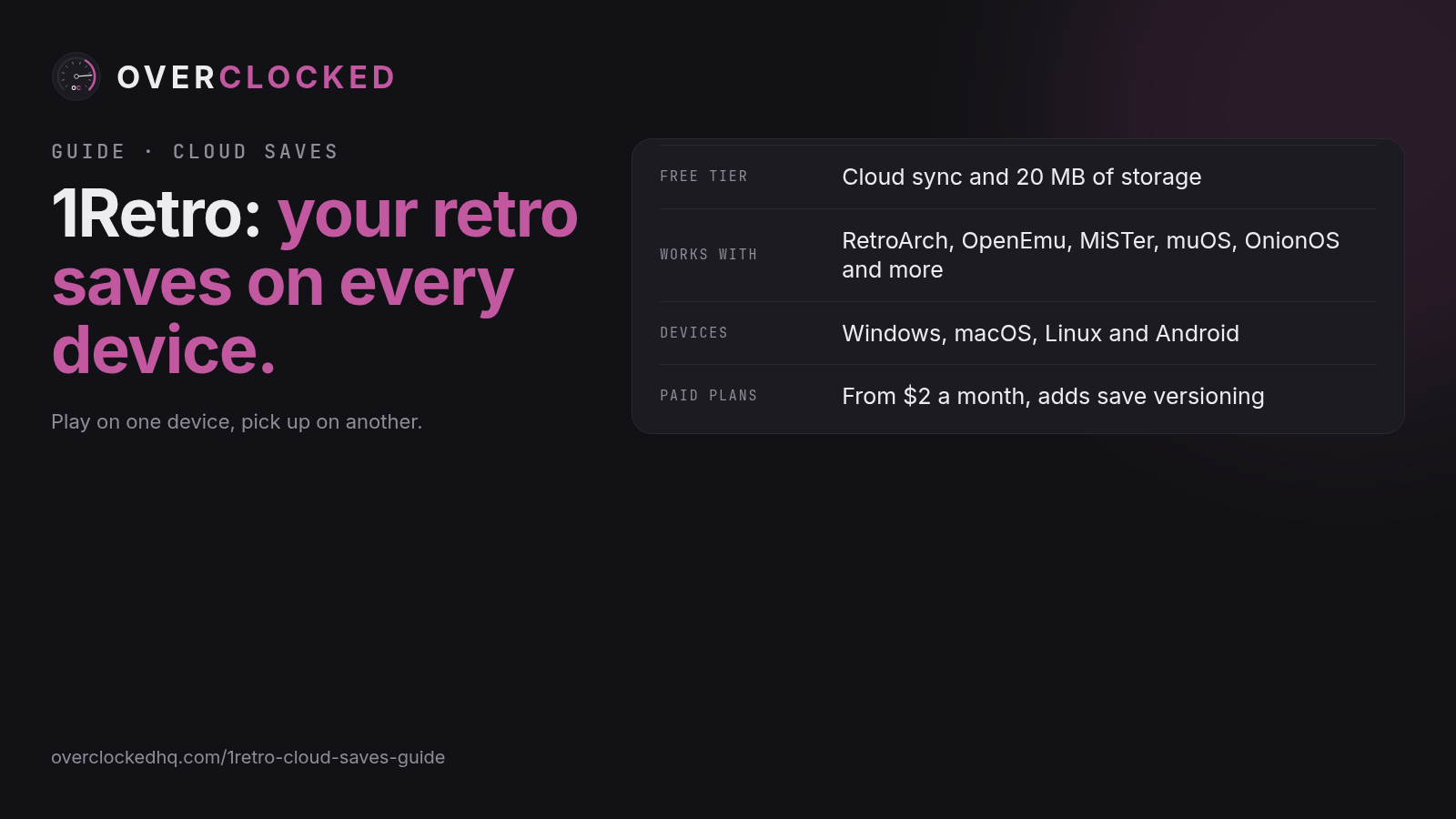
If you play retro games on more than one device, you have probably run into this: you get far in a game on your PC, then pick up your handheld and your progress is not there. 1Retro is a service that fixes this. It backs up your save files to the cloud and keeps them in sync between your devices.
What is 1Retro?
1Retro is a cloud save service for retro games and emulators. It watches the folder where your emulator keeps its save files. When a save changes, 1Retro uploads it. When you open it on another device, it pulls down the newest saves so you can keep playing where you left off.
According to 1Retro, it works with RetroArch, OpenEmu, MiSTer, OnionOS, NextUI, MinUI, muOS, Retrobat, Miyoo, Android and Steam Deck. The desktop app can find common emulators like RetroArch, Snes9x and mGBA on its own, and it works with any emulator that writes standard save files such as .sav, .srm and .state.
What devices does it run on?
- Desktop: apps for Windows, macOS and Linux. The app runs quietly in your system tray or menu bar and starts when you log in.
- Android: an Android app, built for RetroArch first. Right now it is not on the Play Store. You install it as an APK file from the 1Retro Download page, or with an app called Obtainium that keeps it up to date. 1Retro says a Play Store version will come later.
What does it cost?
There is a free plan, and paid plans for more storage and features. Prices from the 1Retro website:
| Plan | Price | What you get |
|---|---|---|
| Free | $0 | Cloud sync, desktop app, 20 MB storage (about 5,000 saves) |
| $2 plan | $2 a month or $20 a year | Everything in Free, save versioning, 100 MB storage |
| $5 plan | $5 a month or $50 a year | Everything in the $2 plan, future beta features, 500 MB storage |
| $10 plan | $10 a month or $100 a year | Everything in the $5 plan, 5 GB storage, supports the developer |
Save counts are 1Retro's own estimates and change by game and system. Save versioning means you can go back to an older copy of a save from the web dashboard. That is a paid feature.
Helpful features
- Conflict handling: if two devices change the same save, 1Retro lets you choose which one to keep.
- Skips unchanged files: if a save has not changed, it is not uploaded again, so syncs stay quick.
- Saves follow the game: on Android, saves are matched to each game by a file check, so they stay linked even if you rename or move the game file.
Who is it for?
1Retro is a good fit if you play the same games on more than one device. For example, you might play on a Windows PC at home and on an Android handheld like the Odin 3 Pro or a Retroid Pocket when you are out. It is also useful if you just want a backup of your saves in case a memory card or device fails.
If you only play on one device and already back up your saves, you may not need it.
How to set it up
On a PC, Mac or Linux computer
- Make an account at 1retro.com. The free plan gives you 20 MB of storage.
- Download the desktop app from the 1Retro Download page and install it.
- Click the 1Retro icon in your menu bar or system tray and choose "Open 1Retro". This opens a page in your browser that talks only to the app on your computer.
- Sign in, then pick your emulator's save folder.
- Play. The app syncs your saves in the background.
On an Android handheld (RetroArch)
- Make an account at 1retro.com if you have not already.
- Install the app. Either download the APK from the 1Retro Download page and allow the install from an unknown source, or add 1Retro in Obtainium so it updates on its own.
- Open the app, sign in, and turn on "All files access" when it asks. This lets it read and write your save files.
- Tap Add, choose RetroArch, and pick the RetroArch folder on your internal storage. 1Retro syncs the saves folder inside it. It will also ask which folder holds your games so it can match each save to the right game.
- Allow notifications. A background service keeps sync running, and notifications help stop Android from closing it.
Tip for Android 15 and newer: Android only lets saves upload right away for 6 hours after you last opened 1Retro. After that, saves sync every few hours. To push a save right before you switch devices, use the "Sync now" Quick Settings tile or long press the 1Retro icon and tap "Sync now".
Good to know
- 1Retro is a hosted service. You cannot run it on your own server right now.
- 1Retro says it does not access, analyze or sell your data.
Bottom line
1Retro is a simple way to keep your retro saves backed up and the same on every device you play on. The free plan is enough to try it out, and setup takes a few minutes on a computer or an Android handheld.